VPN vs proxy: what actually changes when you turn each one on
Both hide your IP address from websites. A VPN covers the whole device and encrypts traffic on the way to its server; a basic proxy covers one app and encrypts nothing.

The short version
- A proxy reroutes one app or browser, while a VPN reroutes everything on the device.
- Plain HTTP and SOCKS proxies don’t encrypt traffic; a VPN encrypts the tunnel to its server.
- HTTPS sites stay encrypted between your browser and the site either way, so the main difference is what your network and ISP can see.
- A proxy is fine for changing your IP in the browser; a VPN fits public Wi‑Fi and non-browser apps.
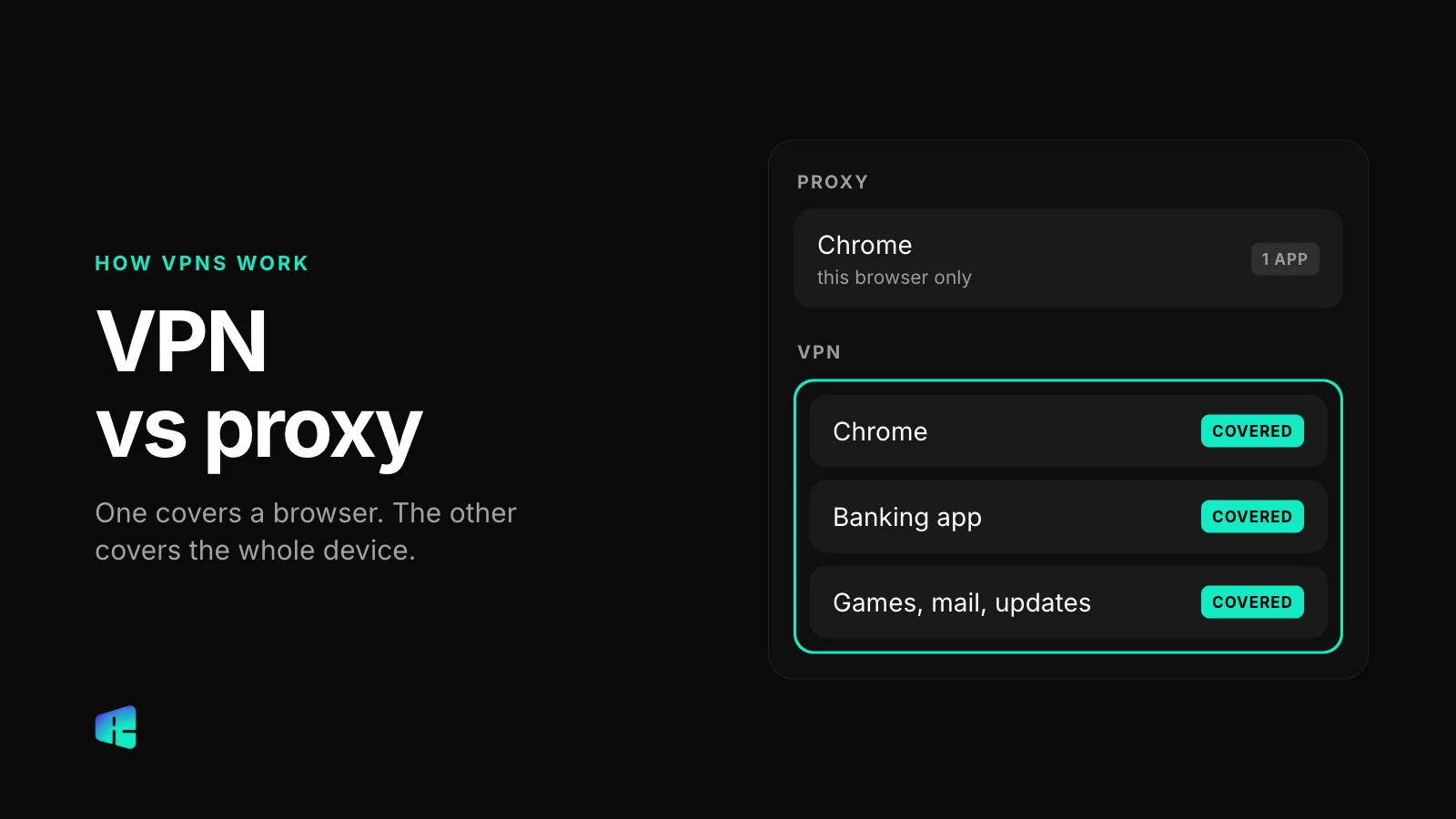
Open a speed test in Chrome with a proxy switched on and it shows an IP address in another state. Now open Spotify or your email app on the same laptop. They still connect from your home address, because the proxy only touched the browser. Most of the difference between a proxy and a VPN follows from that.
Below is what each one does to your traffic, one aspect at a time, and when the cheaper or simpler option is enough.
What each one routes
A proxy is an intermediate server for specific apps. You point a browser (or one app) at a proxy server, and that app sends its requests there instead of straight to the website. Everything else on the device ignores it.
A VPN works one level lower. It creates a virtual network interface on your phone or computer, and the operating system sends all traffic through it: browser, mail, games, background updates, even the weather widget. You don’t have to configure apps one by one.
You can find the system proxy settings yourself. On a Mac it’s System Settings → Network → Wi‑Fi → Details → Proxies. On Windows 11 it’s Settings → Network & internet → Proxy. On an iPhone, Settings → Wi‑Fi → tap the (i) next to your network → Configure Proxy. Apps can ignore these settings, and some do.
Encryption: the part people get wrong
A plain HTTP or SOCKS proxy does not encrypt anything. It forwards your requests as they are, so a request that was readable before it reached the proxy stays readable on the way there and on the way out. Some proxy services encrypt the connection to the proxy with TLS, but many don’t, so check the service before you assume it.
A VPN encrypts the whole tunnel between your device and the VPN server. Anyone on the same Wi‑Fi, and your internet provider, sees scrambled data going to one address.
HTTPS complicates the comparison. Most websites use it today, and it encrypts the page content between your browser and the site no matter what sits in the middle. The password you type on your bank’s site is encrypted all the way to the bank with a proxy, with a VPN, or with neither. What a proxy or VPN changes is the metadata around it: which sites you visit, when, and from where.
Whoever runs the proxy or VPN server is the one party that sees all of that metadata in one place. That’s why free proxies from public lists are risky: you rarely know who operates them, and any page that still loads over plain HTTP passes through them in readable form. The same applies to a VPN, so read the provider’s privacy policy before you pick one.
What the website and your network see
Websites see almost the same thing with either one. A site sees the IP address of the proxy or VPN server instead of yours, and guesses your location from that. It still sees your cookies, your logged-in account and your browser fingerprint. If you’re signed in to Google, Google knows it’s you either way.
What your network sees is where they differ. With a proxy that doesn’t encrypt, your internet provider or the coffee shop Wi‑Fi can still see which domains your browser asks for, and they can see everything your other apps do directly. With a VPN, they see that you’re connected to a VPN server, how much data moves, and little else.
Speed and setup
Both send your traffic through an extra server, so both can add some delay. How much depends more on the server’s distance and load than on the technology. With a nearby server that isn’t overloaded, you usually won’t notice either one in everyday browsing.
Proxies are lighter: a plain proxy adds no encryption work and needs nothing installed at the system level, which is why proxies are popular as browser extensions. VPNs need an app or a system profile and permission to manage network settings, and they take a second or two to connect.
One practical difference shows up on mobile. A VPN app has to stay connected in the background, and switching between Wi‑Fi and cellular makes it reconnect, which can cause a brief pause. A browser proxy only works while the browser is open, so there’s no background connection to maintain.
Side by side
Proxy
- Routes: one app or the browser that’s set to use it.
- Encryption: none for plain HTTP and SOCKS proxies; HTTPS sites stay encrypted anyway.
- Website sees: the proxy’s IP address, plus your cookies and logins.
- Your network sees: the domains your browser visits (for unencrypted proxies) and all other app traffic.
- Speed: light, little overhead.
VPN
- Routes: all traffic from the device.
- Encryption: the whole tunnel to the VPN server; HTTPS on top of that as usual.
- Website sees: the VPN server’s IP address, plus your cookies and logins.
- Your network sees: a connection to one VPN server and the amount of data.
- Speed: some overhead from encryption; distance to the server matters more.
Which one fits what you’re doing
A proxy is enough when
You want a website to see a different IP address or region, you only care about the browser, you’re on a network you trust, and the sites involved use HTTPS. A proxy works for checking how a store’s page looks from another country, keeping a research tab separate from your home IP, or getting past a simple IP block on a forum.
A VPN is the right tool when
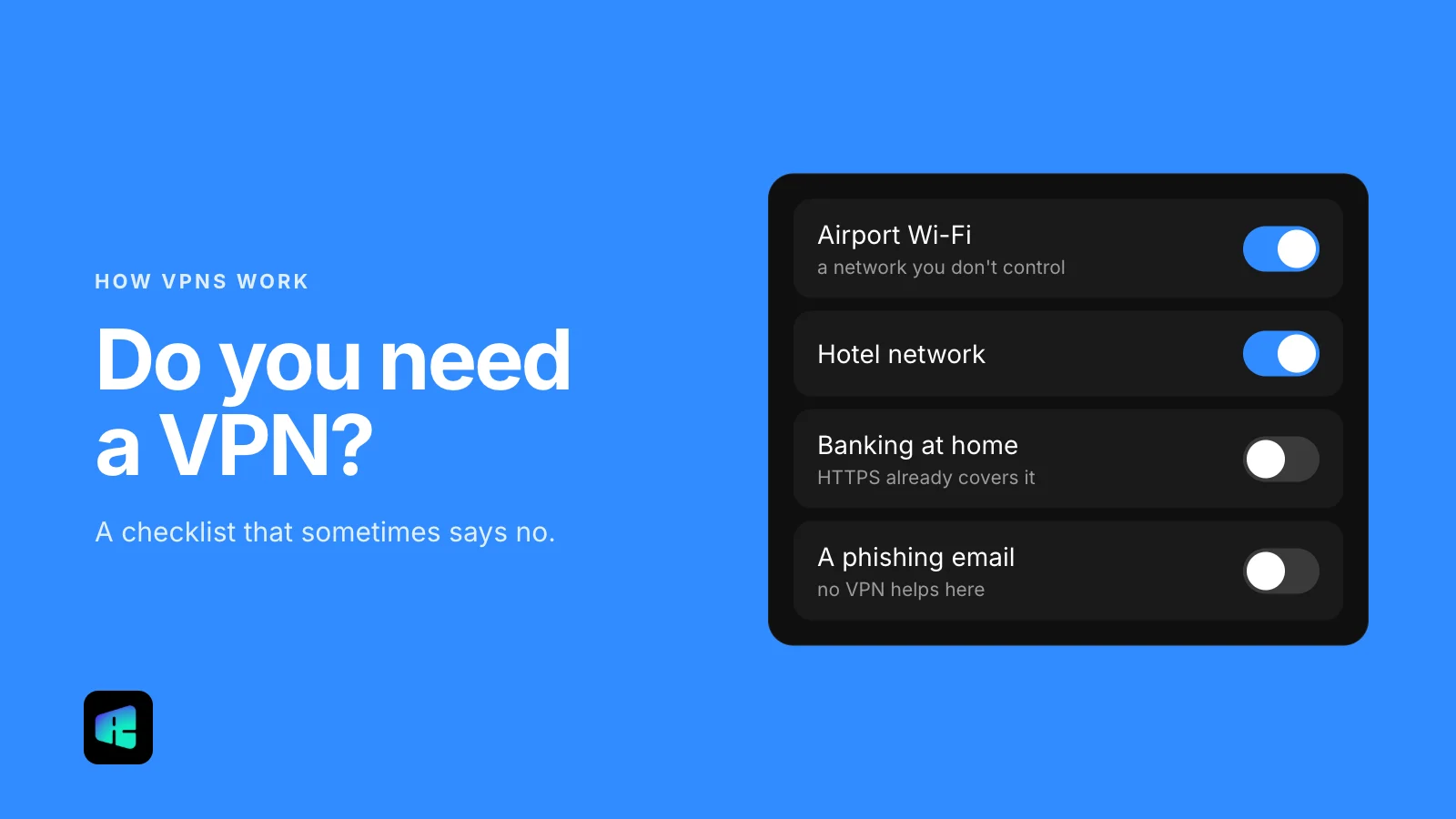
You’re on a network you don’t control, such as hotel, airport or café Wi‑Fi, and you want every app covered, including the ones running in the background. A VPN is also the better choice if you don’t want your internet provider logging which domains you visit, or if the app you care about isn’t a browser at all: a game, a messaging app or a work tool.
Neither one makes you anonymous, and neither stops phishing pages or malware you choose to download. They change who can see your connection along the way, and nothing more.
Where RealityVPN fits
We make both, because they solve different problems. The RealityVPN apps for iOS, macOS, Android and Windows are a VPN that covers the whole device. The Chrome extension is a proxy and covers only traffic from Chrome; your other apps connect as usual. If you want to compare plans, they’re on the pricing page.