How to find every subscription you forgot about, and cancel it in one evening
Recurring charges hide in five or six places. This guide covers where to look, how to cancel properly, and the one habit that keeps the list short afterward.

The short version
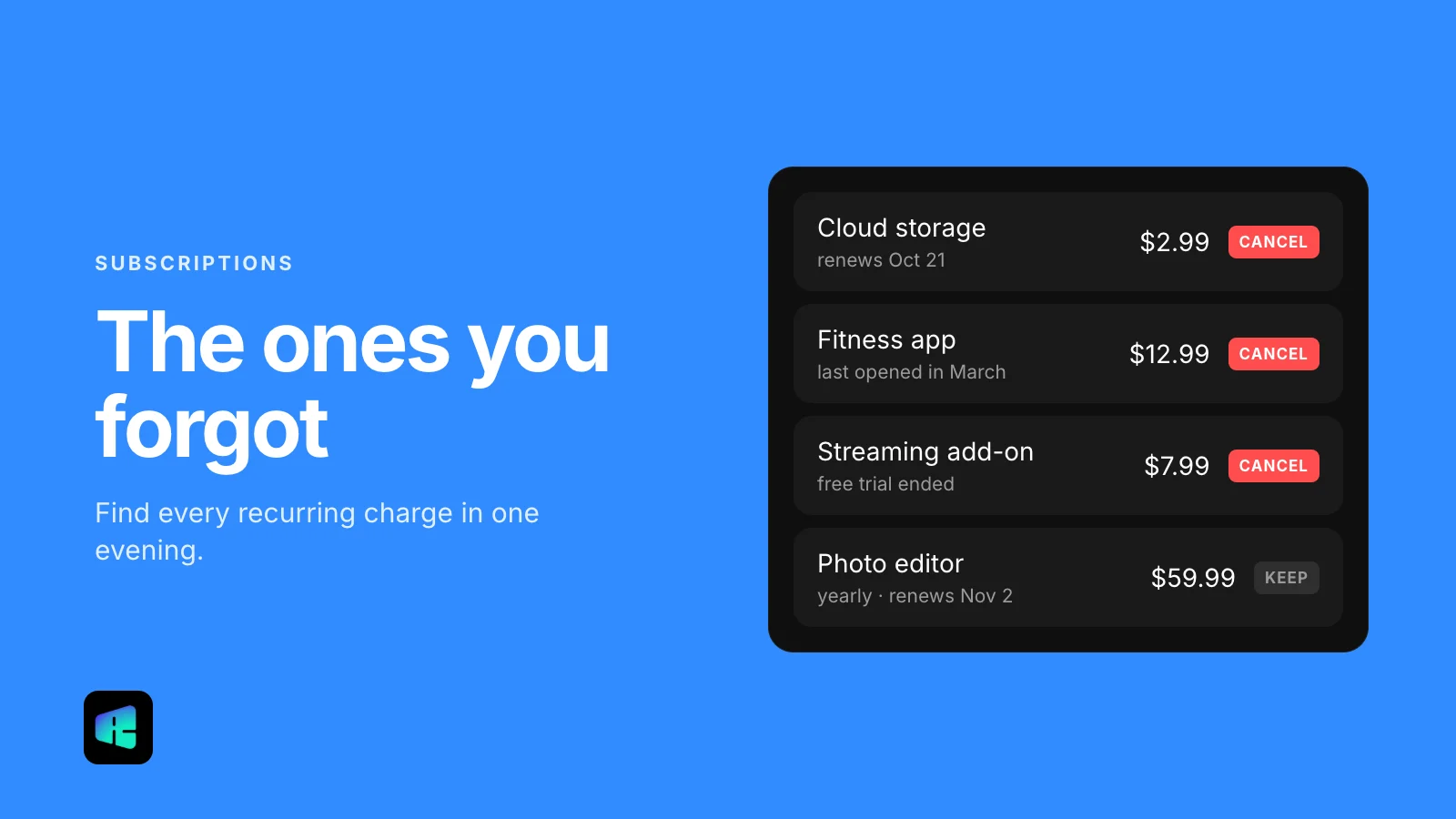
- Pull twelve months of card and bank statements, then check Apple, Google Play, PayPal, Amazon and your email for what sits behind each charge.
- Deleting the app or removing a card does not cancel a subscription, so cancel with the merchant and keep written confirmation.
- Annual plans and free trials are the easiest to miss, so check their renewal dates first.
- Add a calendar reminder a few days before every renewal you keep, so you can decide before you are charged.
A $9.99 charge shows up on your card for the third month in a row, and you can’t remember what it is. You search the name, find a photo editing app you tried once in the spring, and realize it has been billing you ever since. Most people have at least one charge like this.
Recurring charges only hide in a handful of places. With your statements, a phone and about two hours, you can find nearly all of them and cancel the ones you don’t want.
Start with your bank and card statements
Your statements are the most complete list you have. Every subscription ends up as a charge on a card or a bank account, whichever app or store sold it.
Download the last twelve months for every card and checking account you use. Annual plans charge once a year, so three months of history will miss them. Many banking apps let you search transactions; try “recurring,” “subscription,” “monthly” and “annual.” Some banks also have a dedicated recurring payments view that groups repeat merchants for you.
Write each repeat charge down with three details: the merchant name as it appears, the amount, and the date. A plain list in a notes app is enough. Charges labeled “APPLE.COM/BILL,” “Google” or “PAYPAL” name the platform that took the payment, so you’ll need the next steps to see which service is behind each one.
Check the places that bill on someone else’s behalf
App stores, PayPal and Amazon collect payments for thousands of services. On your statement their charges look alike, so open each one and read its own list.
Apple (iPhone and iPad)
Open Settings, tap your name at the top, then tap Subscriptions. Tap any subscription to see its renewal date and the Cancel Subscription button (you may need to scroll down). If you see a red expiration message instead, that one is already canceled. Apple’s own instructions are on its support page.
Google Play (Android)
Open the Play Store, tap your profile picture in the top right, then Payments & subscriptions and Subscriptions. If you have more than one Google account on the phone, switch accounts and check each one. Google explains the steps on its help page.
PayPal
Log in on the website, go to Settings, then Payments, and open the automatic payments section (depending on your account it is labeled Automatic payments or Subscriptions and saved businesses). It lists every merchant you have allowed to charge your PayPal account without asking each time, including some you may have approved years ago. PayPal describes it on its help page.
Amazon
In your Amazon account, open Memberships & Subscriptions. It lists active, canceled and expired subscriptions with renewal dates and prices. Prime is the obvious one, but Prime Video channel add-ons and Kindle and Audible plans show up here too. Subscribe & Save deliveries have their own page under Subscribe & Save Items.
Your email inbox
Services that bill your card directly usually send a receipt. Search your inbox for “receipt,” “renewal,” “your plan,” “subscription,” “trial” and “will renew.” Repeat the search in any old email address you can still open, since sign-ups from years ago often went there.
Cancel with the merchant, not just the payment method
People often get this step wrong. Deleting the app doesn’t cancel the subscription; Google says so plainly in its help pages. Removing a card or revoking a merchant’s automatic payment permission in PayPal stops a payment method, but the merchant may still count you as a customer and keep trying to bill you.
Cancel inside the service’s own account settings, or through the app store that billed you. If you can’t find the option, search the company’s help center for “cancel,” use the support chat, or call. Remove the card or revoke the PayPal permission only after the cancellation is confirmed, as an extra safeguard.
Get it in writing
Keep proof of every cancellation: a confirmation email, a screenshot of the cancellation screen with the date visible, or a chat transcript. Save them in one folder. If a charge appears later, your bank will ask for this when you dispute it.
Watch for annual plans and trials
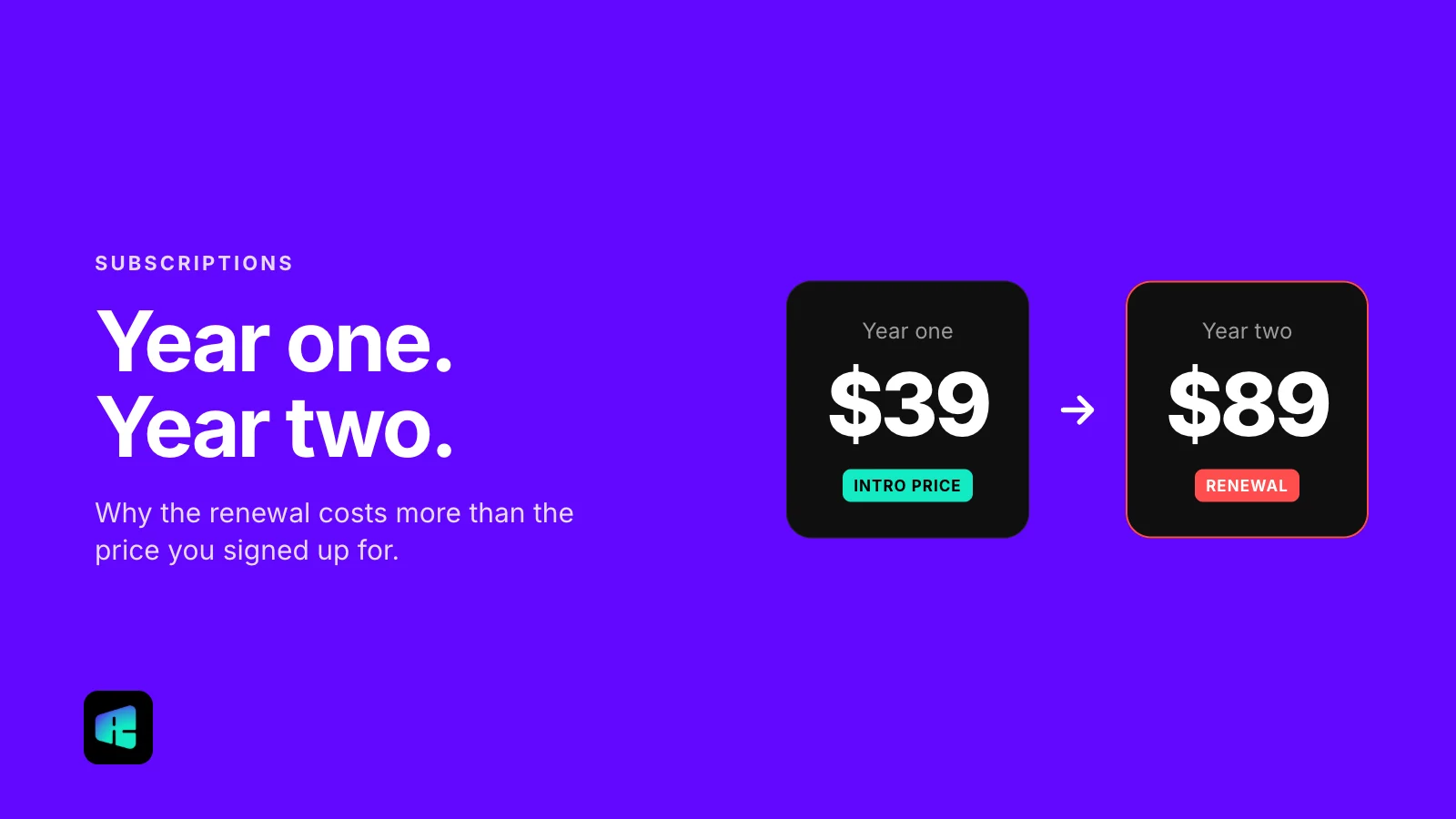
Annual subscriptions are the easiest to forget, because you only see them once a year. When you find one, check two things: the next renewal date, and whether the plan offers a partial refund if you cancel mid-term. Many don’t. In that case, turn off auto-renewal now and keep using the service until the paid period ends.
Free trials that turn into paid plans are the other common surprise. Most require a card up front and convert to paid automatically on a set date. If you’re in a trial you don’t plan to keep, cancel it now. Apple asks you to cancel at least 24 hours before a trial ends, and some services end your access as soon as you cancel, so check the trial’s terms if you want to use the remaining days.
Also look for duplicates: two music services, a streaming plan paid both through your phone carrier and directly, or cloud storage on two different accounts. Canceling one of each pair costs you nothing you would miss.
What the law says right now
In October 2024 the FTC finalized a “click-to-cancel” rule that would have required canceling to be as easy as signing up. On July 8, 2025, the U.S. Court of Appeals for the Eighth Circuit vacated that rule on procedural grounds. In March 2026 the FTC asked for public comment on a new rulemaking, but no replacement rule is in force yet. The FTC still enforces the Restore Online Shoppers’ Confidence Act (ROSCA), which requires sellers to disclose the terms clearly, get your express consent before billing, and give you a simple way to stop recurring charges. Some states have their own rules: California’s updated automatic renewal law (AB 2863), in effect since July 1, 2025, requires that a subscription started online can be canceled online.
If a company makes canceling unreasonably hard or keeps charging after you canceled, you can dispute the charge with your card issuer and report the company at ReportFraud.ftc.gov.
One habit that keeps the list short
For every subscription you decided to keep, add a calendar event three to five days before its next renewal date, set to repeat monthly or yearly. Put the price in the event title.
When the reminder appears, take a few seconds to ask whether you still use the service. If you do, dismiss it. If you don’t, you still have time to cancel before the charge goes through. The reminders cost nothing to set up.